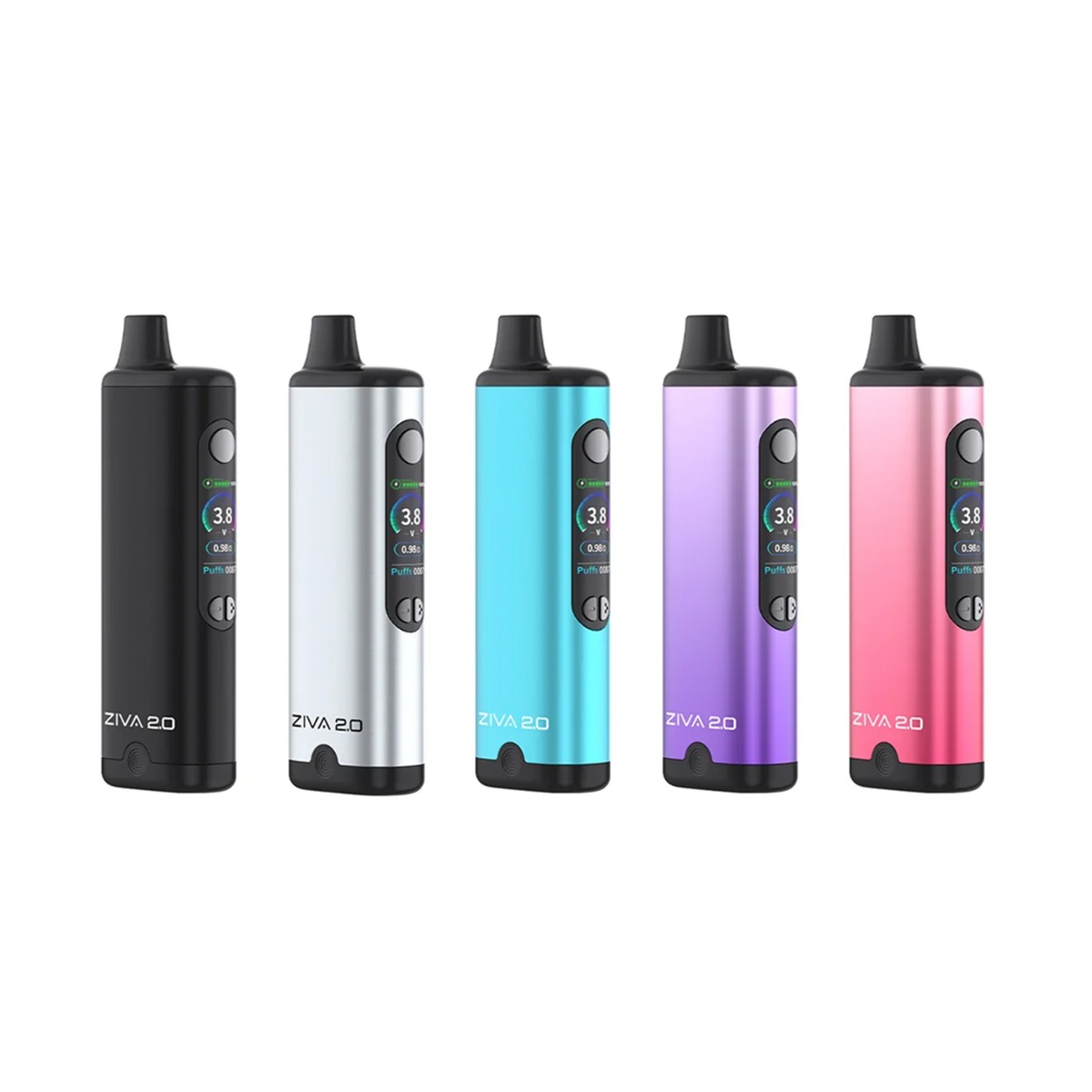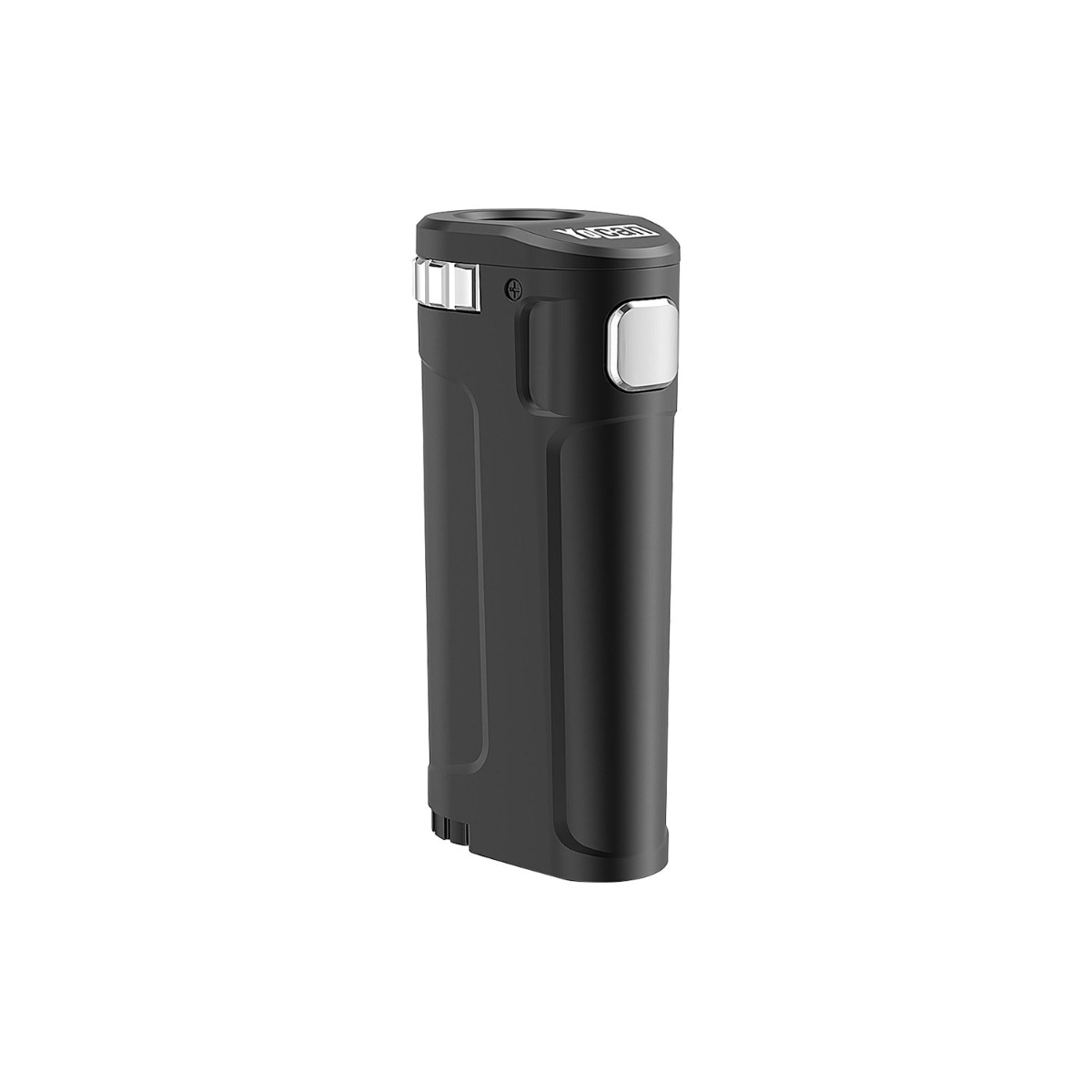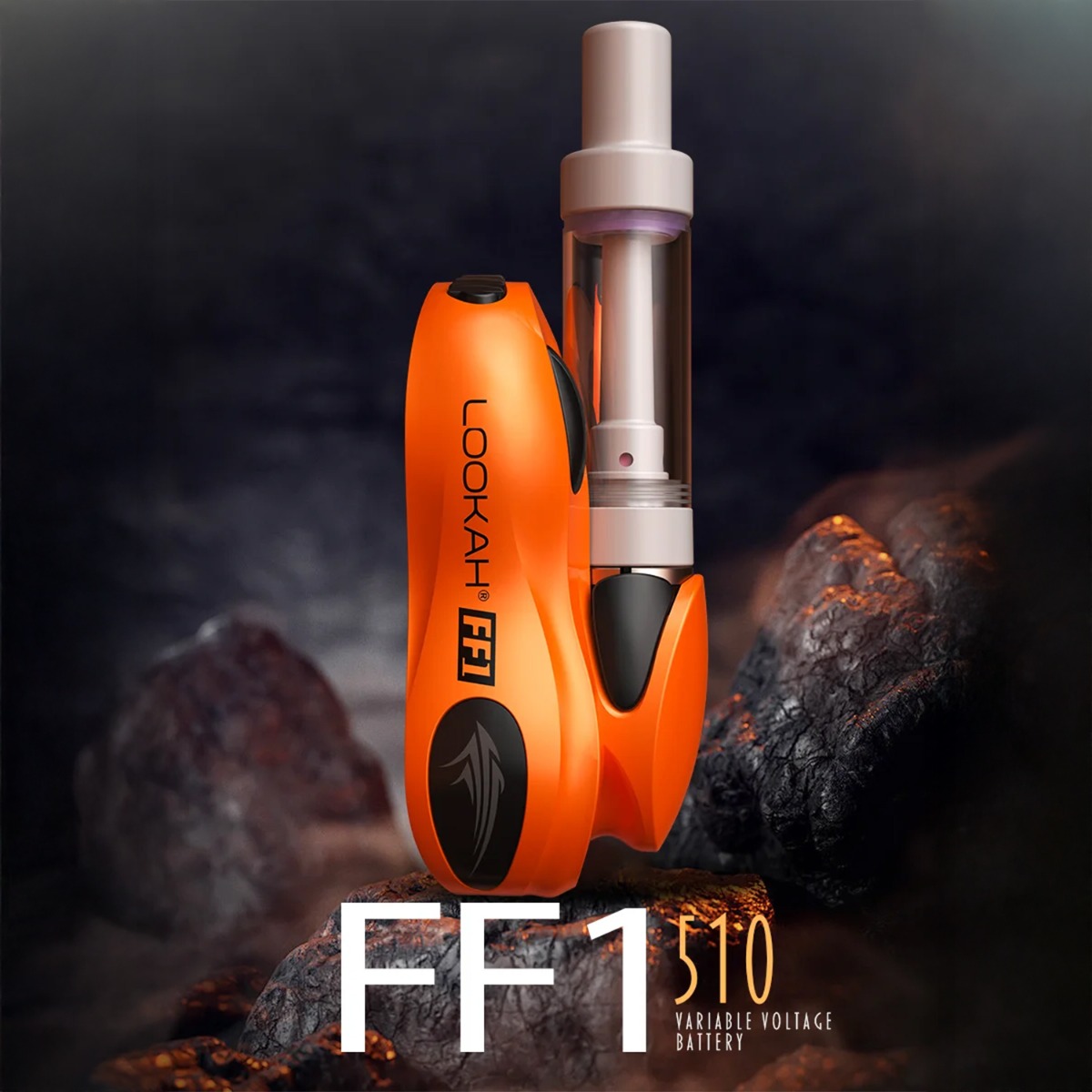





Yocan Ziva 2.0


 CAD 8.99
 CAD 20.95
 CAD 34.95
Key Features
- Concealed Cartridge Design
- Color TFT Display
- Precise Voltage Control
- 3 Heating Modes
- Preheat Function
Performance Specs
- 7.0
- 8.5
- 6.0
- 7.0
- Overall Score 8.0
About Yocan Ziva 2.0
- Concealed Cartridge Design: The cartridge fits inside the base, fully concealed.
- Color TFT Display: Comfortable and high-tech screen for easy setting management.
- Precise Voltage Control: Adjusts voltages in 0.1V steps using dedicated + and - buttons.
- Three Firing Modes: Draw-activated, manual, and a hands-free auto mode.
- Preheat Function: A 10-second warm-up at 1.8V to prime concentrates or unclog carts.
- Resistance Readout: Displays the ohm rating of the installed cart, so you can match voltage settings to the cart.
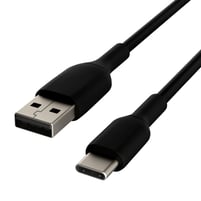
- USB-C Charging: Charges from any standard USB-C source in about an hour.
- 60-Minute Auto Shut-Off: Powers the device down if you leave it on by accident.
Product Questions
Technical Specs
- Brand Yocan
- Country of Production China
- Release Date 2026
- Compatibility 510 Thread (Cartridges)
- Operation Method Draw Activated, Multi Button
- Temperature (Voltage) Precise Voltage Control
- Heating Technology Conduction
- Max Cartridge Diameter ≥14mm (approx. 2 ml)
- Heat Time Instant
- Materials Metals, Plastics
- Battery Life Medium
- Battery Capacity 650 mAh
- Power Options USB-C
- Form Size Small
- Manufacturer Warranty 3-Month Limited Warranty
- TVape Warranty Hassle-Free Warranty
- Utillian Bubbler Compatibility No
- Iceborn Compatibility No
- Return Options 30-Day Standard Returns
Customers also viewed
Additional information about Yocan Ziva 2.0
Table of Contents
- You Should Buy the Yocan Ziva 2.0 If…
- Prominent Features
- How the Yocan Ziva 2.0 Works
- Vapor Quality
- Portability and Discreetness
- Manufacturing Quality
- Temperature Flexibility
- How to Clean the Yocan Ziva 2.0
- Compatibility with Accessories
- Warranty
- Pros and Cons
- Download Manual
You Should Buy the Yocan Ziva 2.0 If…
You want a step up from a basic reliable pen battery without paying premium mod money to get there. Carts cost more than the battery that fires them, and the Ziva 2.0 is built for someone who wants to stop wasting them on a device that gives you three presets and no way to tell what it's doing. It also works well as a discreet daily carry for someone who already owns a bigger setup at home but wants something pocketable that keeps the cart out of sight.
Prominent Features
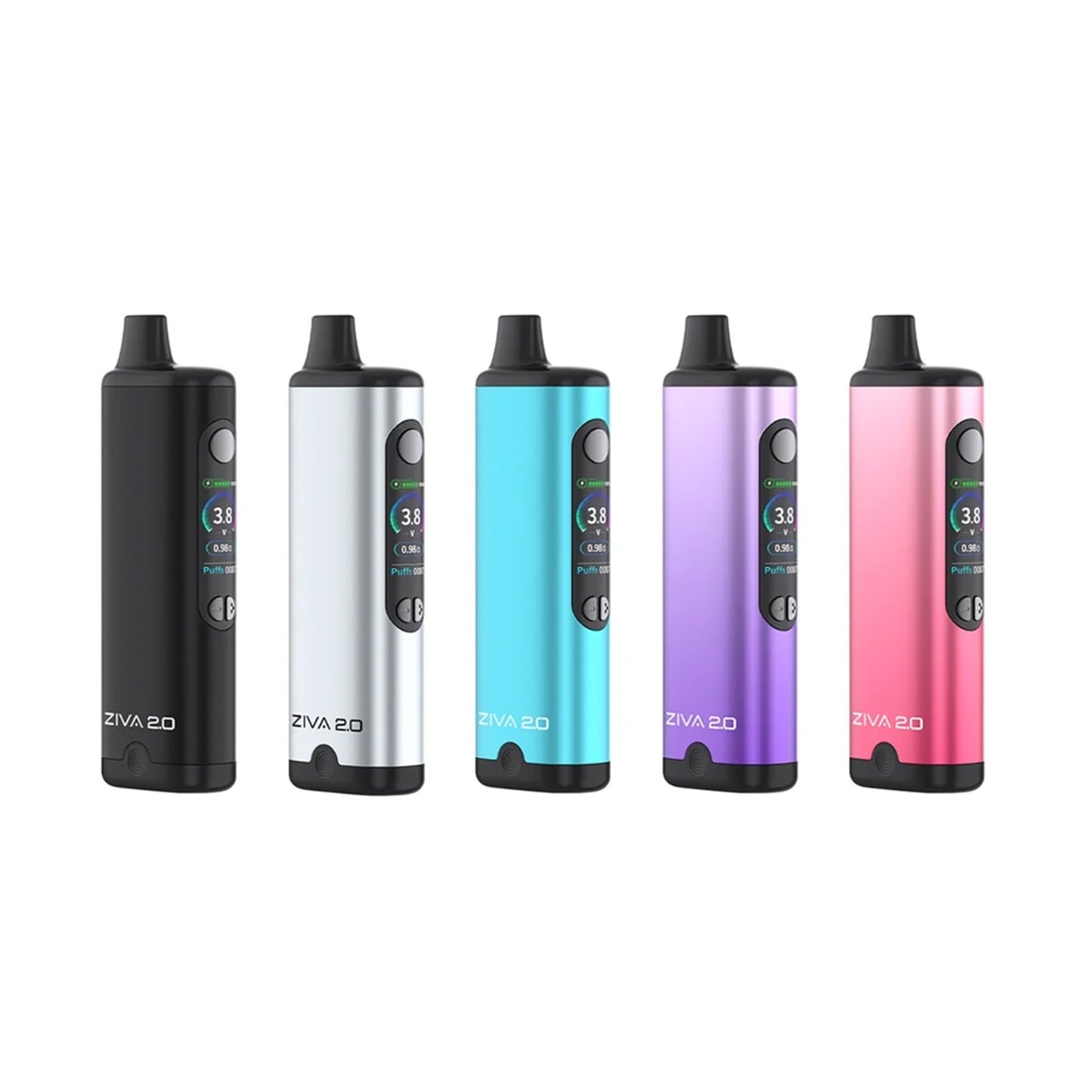
The Ziva 2.0 is a basic 510 thread battery that features some core concepts that make it a suitable unit for many users. Starting with its concealed cartridge design, which means that the cart threads onto the base and is then covered by the unit's outer case. Magnets hold it in place once it's seated.
Its controls have also been upgraded compared to the original Ziva, and it now features options you'd normally find on larger box mods, which is a big part of why this device is becoming popular among beginners.
Session control runs through variable voltage rather than a fixed setting. Dedicated + and - buttons move the voltage up and down in small steps, so the setting can be matched to the cart instead of picked from a short list of presets.
The main attraction of the Ziva 2 is its three usage modes. Draw activation needs no buttons at all, manual firing runs off the power button (and how long you press it), and auto mode heats continuously once it's triggered, which is useful for thick oil or a cart that has started to clog.
It also comes with a 10-second preheat, which can help unclog as well, but its mainly useful for priming thicker concentrates right before a session. Last but not least, the new Yocan Ziva 2 also features a full color TFT display, which shows you all relevant session information and settings and overall just makes the unit easier to use.
How The Yocan Ziva 2.0 Works
The Ziva 2.0 is straightforward to operate, but it does have 3 different ways to use it. Up until choosing what type of usage mode you want, the process is the same. So here's a step-by-step guide to using the Yocan Ziva 2.0:
- Fully charge the device over USB-C before first use.
- Click the power button 5 times within 2 seconds to turn it on.
- Remove the base from the body and thread your 510 cart onto it.
- Put the cover back onto the base and check the screen to confirm the connection is correct.
- Set your voltage with the + and - buttons.
- Inhale to fire in draw mode, hold the power button for manual mode, or hold + and - together for one second to run auto mode.
Pro Tips:
- For carts with thicker concentrates, you can double-press the power button to run the 10-second preheat at 1.8V before the main heat cycle.
- In manual mode, firing for a second before you start to inhale brings the coil up to temperature ahead of airflow and evens out the first half of the draw. Auto mode will push a ton of vapor, so it's best for specific use cases or filling up a balloon when you want to share a session with multiple people.
Vapor Quality
Vapor quality on the Ziva 2.0 comes down to the cart you use and how you run it. This is a 510 battery, so the coil and the oil both live in the cartridge, and the device only supplies the heat. Vapor is functional rather than exceptional.
What matters most is not burning the cart. The Ziva 2.0 does have built-in protections, including a 15-second cut-off on continuous fire, 9 seconds on a draw, and overheat protection, but those protect the device rather than the flavor of your concentrates.
So the heat is yours to manage. Run it low, in shorter pulls, and a cart tastes much better with less overall vapor density. That said, the Ziva 2.0 can output quite a bit of vapor, especially on auto mode. So the unit is better suited for output than flavor, and the best vapor quality comes from managing it enough to keep that output strong without burning the oil. For thick or cold oil, the preheat function is a better way to get things moving than reaching straight for more voltage.
Flavor falls off the harder you push it, which is the usual trade, but the volume is there if that's what you're after. Overall, vapor quality is good for the price, but it depends heavily on how you run it.
Portability and Discreetness
At 36.1 x 21.1 x 111mm, the Ziva 2.0 is small enough to drop into a pocket or a bag without much thought. The flat sides help here, since it sits still rather than rolling around loose.
The concealed cart is the bigger part of the story. Because the cartridge threads onto the connection base and drops down inside the body, there's no glass tank on display and the cart does not stick out of the top either. Its mouthpiece is proprietary to the device, not to the cart.
That makes it a solid option for outdoor use. At a concert, a festival, or anywhere you'd rather not pull out something obvious, it gets the job done without drawing too much attention. Unless you are using the auto mode, which outputs a ton of vapor.
The screen also helps more than you'd expect away from home. Voltage and battery level are a quick glance away, so dialing in a setting or checking how much charge is left takes a second instead of clicking through color-coded LEDs.
It is a little taller than some cart batteries, which is what hiding a full cart inside the body costs. It still fits comfortably in a pocket, and tucking the cart away means less to snap off if the device goes into a bag with everything else.
Overall, it's a pretty simple unit that will get the job done in most cases. You can put it in a bag or pocket and forget about it for the most part, which ultimately makes it quite portable.
Manufacturing Quality
The Ziva 2.0 keeps the aluminum alloy body the Ziva line is known for. It's a budget device that still has decent heft to it, which makes it slightly more durable than cheaper, plastic-based units.
The connection is the part worth understanding. Rather than threading a cart into the top of the device, the connection base pulls out of the body entirely. The cart screws onto that base, the base drops back in, and magnets hold it seated. Swapping carts takes seconds, and you're never fishing around inside a recess you can't see. The mouthpiece doesn't swap out with the cartridges, so the cart is fully hidden inside the unit. That does mean you'll need to keep an eye on cleaning it to ensure it doesn't get clogged.
The screen carries most of the device's function. It shows your set voltage, battery level, the resistance of the currently installed cart, a puff counter, and a session timer. It also reports what the device is doing at any moment, including preheat, and when a cut-off has triggered. To reset the puff counter, hold the minus and power buttons together.
Most 510-threaded cartridges work, and it fits up to 2ml carts, which is why it stands slightly taller than some of its competitors.
Protection covers short circuits, low voltage to keep the cell from over-discharging, and overheating, with output cut if the device runs too warm. A 60-minute auto shutdown handles times when it's left switched on in a bag.
Battery capacity is decent, with a 650mAh cell charging over USB-C in roughly an hour from empty. It doesn't accept fast charging, which is the right call on a cell this size.
Temperature Flexibility
The Ziva 2.0 runs on precise voltage control rather than a small set of fixed presets. The range spans 1.8V to 4.2V, and the + and - buttons move through it in small 0.1V steps rather than jumping between a handful of stops. While this is great for auto or draw mode, manual heating focuses more on how long you press the button than the voltage you set.
The TFT display shows the exact voltage, rather than relying on a color-coded LED to indicate roughly where you are in the range.
Most 510 carts in the 1.2 to 1.6 ohm range do their best work between roughly 2.6V and 3.4V. Lower settings in that band run cooler and hold onto more of the oil's flavor, while higher ones push harder for more vapor. Past that, you risk burning your cart, which will leave it with an unpleasant taste. The upper part of the range is there for lower-resistance carts and larger 2G tanks with more wick to saturate, rather than something to work toward. That said, how long you fire still shapes a session as much as where the voltage sits.
The 10-second preheat function sits apart from the voltage control itself; it's a fixed cycle at 1.8V meant for oil that's too thick or too cold to move, and it returns you to your chosen setting once it finishes.
How to Clean the Yocan Ziva 2.0
Cleaning a device like the Ziva 2.0 is quite simple. Because it's a cartridge-based system, focus on keeping the cart unclogged and the connection base clean; this only matters if the unit has trouble connecting to a cartridge.
- Power the device off and let it cool.
- Pull the connection base out of the body and unscrew the cart from it.
- Wipe the 510 threads and the area around the spring-loaded center pin with a cotton swab or a grime stick.
- Let everything dry fully before reassembling and firing.
Pro Tips for Cleaning: Never submerge the base or the body. Both hold electronics, and the base holds the magnets.
The biggest thing to consider to keep the unit clean and running at peak performance is making sure no vapor gets stuck inside and cools down, because that can eventually lead to clogging.
Alcohol on a swab only. Also, if you want to clean the unit's cover, make sure you aren't scrubbing. Also keep alkaline cleaning solutions off the metal housing, as they can discolor aluminum. Ready-to-use alcohol sticks and wipes are the better match for a device built like this one.
Compatibility with Accessories
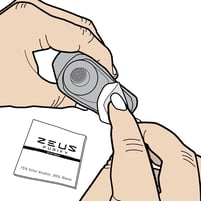
The Zeus Purify Grime Kit is the most useful thing to pair with it. It is built around ready-to-use grime sticks and wipes rather than a bottle of solution, which is exactly what this device needs. The sticks contain ethyl alcohol and are the right size to reach the 510 threads and around the center pin, and nothing has to be soaked to use them. It is also the kit we point people toward for devices without glass surfaces or a bubbler.
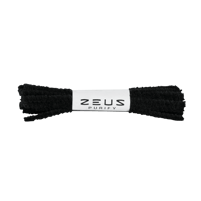
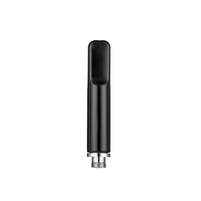
A pack of Zeus Bristle Pipe Cleaners also helps unclog carts when needed.
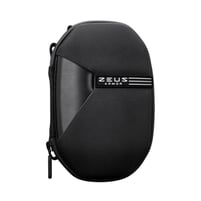
A hard case such as the Zeus Armor is worth adding if you want to ensure it's safe when traveling and/or simply want to keep your accessories and unit tidy in one place.
Warranty
The Yocan Ziva 2.0 is covered under Yocan's 3-month manufacturer warranty from the purchase date against defects in materials and workmanship under normal use. TVape backs this with its Hassle-Free Warranty, so a hardware issue that falls under the manufacturer's terms is handled directly through TVape. In most cases a video showing the problem is enough to start the process without shipping the device back first.
Pros and Cons
Pros
- Budget-Friendly 510 Thread Battery
- 3 Usage Modes
- Concealed Cartridge Design
- Fits Some 2ml/g Carts
Cons
- Auto mode fires with no cooling, so a cart can be burned easily
- Tall for a cart battery due to it being concealed
- Vapor quality relies fully on user heat management
| Price | Regular Price CAD 39.99 Special Price CAD 34.95 | Regular Price CAD 48.99 Special Price CAD 34.95 | Regular Price CAD 44.00 Special Price CAD 41.99 |
| Overall Score 8.0 | Overall Score 7.5 | Overall Score 7.6 | |
| Customer Reviews | |||
| Award | — | — | — |
| Compatibility | 510 Thread (Cartridges) | 510 Thread (Cartridges) | 510 Thread (Cartridges) |
| Manufacturer Warranty | 3-Month Limited Warranty | 3-Month Limited Warranty | 3-Month Limited Warranty |
| Return Options | 30-Day Standard Returns | 30-Day Standard Returns | 30-Day Standard Returns |
| Brand | Yocan | Yocan | Lookah |
| Manufacturer HQ | China | China | — |
| Utillian Bubbler Compatibility | No | No | No |
| Iceborn Compatibility | No | No | Yes |
| Operation Method | Draw Activated, Multi Button | Multi Button | Single Button |
| Heating Technology | Conduction | Conduction | Conduction |
| Temperature (Voltage) | Precise Voltage Control | Precise Voltage Control | Fixed Voltage Control |
| Battery Life | Medium | Medium | Medium |
| Battery Capacity | 650 mAh | 500 mAh | 500 mAh |
| Release Date | 2026 | 2021 | — |
| Heat Time | Instant | 5-15 Seconds | — |
| Form Size | Small | Medium | Small |
| Max Cartridge Diameter | ≥14mm (approx. 2 ml) | <13mm (approx. 1,1ml) | ≥14mm (approx. 2 ml) |
| Materials | Metals, Plastics | Metals | Metals |
| Power Options | USB-C | USB-C | USB-C |
| Country of Production | CN | CN | — |